
All skills
Content PublishingPublished skill

Branded Social Visuals

Turn one clear idea into social work your team can review.

Try in AgentLed

We’ll send a starter message after onboarding.
Start with
One idea, your audience and brand context.
Review
The visual, caption and accurate alt text.
Get
A social-ready package, ready for your decision.

Output example

Four real visual directions.

Existing public AgentLed and VC Analyst LinkedIn visuals, reused as examples—not skill-run receipts.

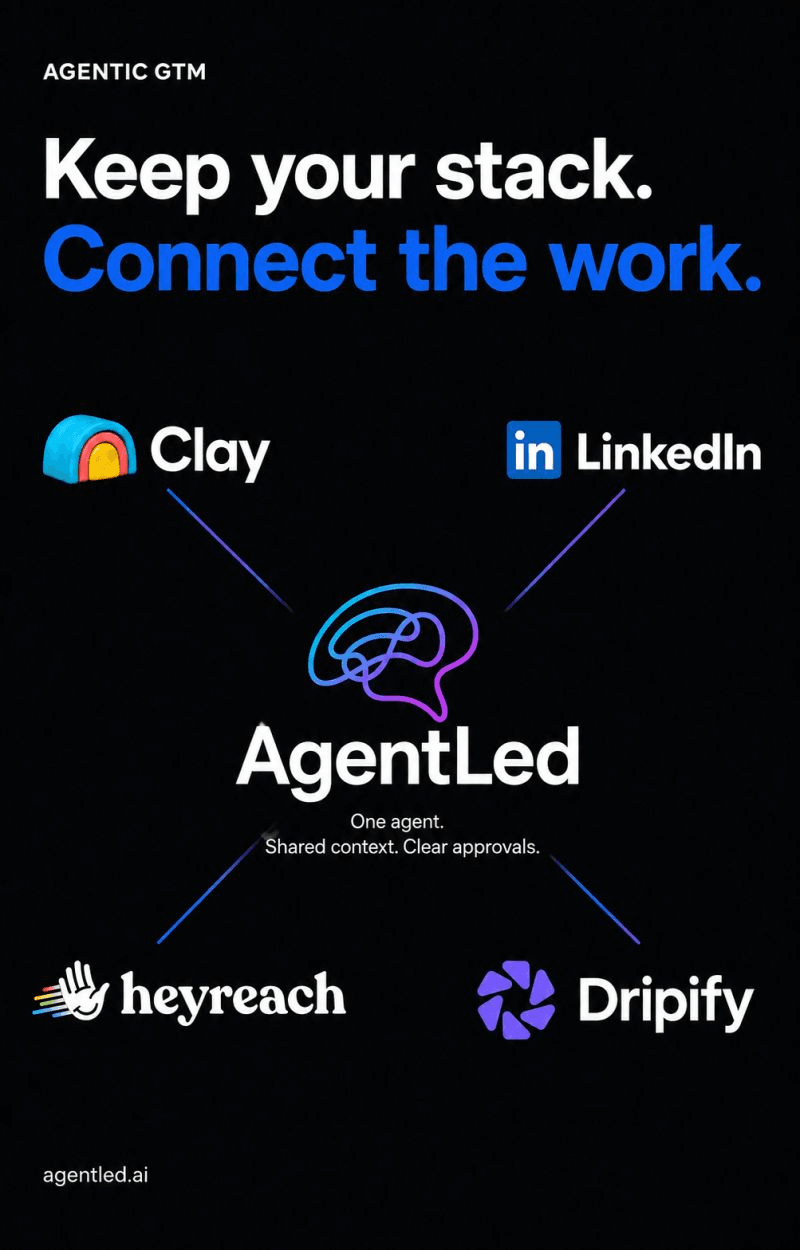
AgentLed LinkedIn visual: Keep your stack. Connect the work.
Example 1 of 4

A clear output, with the decision still yours.

What you get
A visual brief, a reviewed image when rendering tools are available, a caption and accurate alt text.
What this does—and does not do
Image generation requires an available tool and authorized credits. Without a renderer, the skill delivers a complete brief. These existing LinkedIn visuals are reference artwork, not proof of a skill run.

Use locally

Skill v1.0.0

Read the published instructions without an AgentLed login. Download only when you choose to install.

  1. Open Read SKILL.md and save the complete file as SKILL.md in a folder named after the skill.
  2. Place that folder in ~/.codex/skills or ~/.claude/skills. These standalone skills need no npm package and contain all their instructions in one file.
  3. Provide only the brand or source context you want to use, then ask your agent to use the skill. Rendering requires an available tool; publication remains a separate action.

Local reading and drafting need no AgentLed account. These published skills also describe AgentLed-backed steps: hosted records, image generation and publication need compatible tools, authentication and separate approval. Local drafting alone does not prove a complete Job. Host execution has not been validated by this catalog.

Fictional profile · Acme

Your context stays yours

A skill supplies the method. Your separate company profile supplies the brand, audience and goals. This fictional Acme sample is editable text, not an implemented importer contract.

Keep credentials, contact lists and approvals out of the profile. Select files explicitly; do not let an agent scan unrelated folders. Copying this sample neither uploads files nor grants tool permissions.

Fictional profile · Acme
# Acme — fictional example

Company: a planning tool for small creative teams.
Audience: agency founders managing several client projects.
Voice: concrete, calm, no claims without evidence.
Brand: cream background, blue accent, no third-party logos.
Content goal: explain one useful planning habit.
GTM: qualify one agency against stated criteria; unknown is unknown.
Boundaries: drafts only. No contact lookup, CRM write or send.

Store privately outside the installed skill folder.