All skills

Content Publishing

One idea. A clear post. Ready for review.

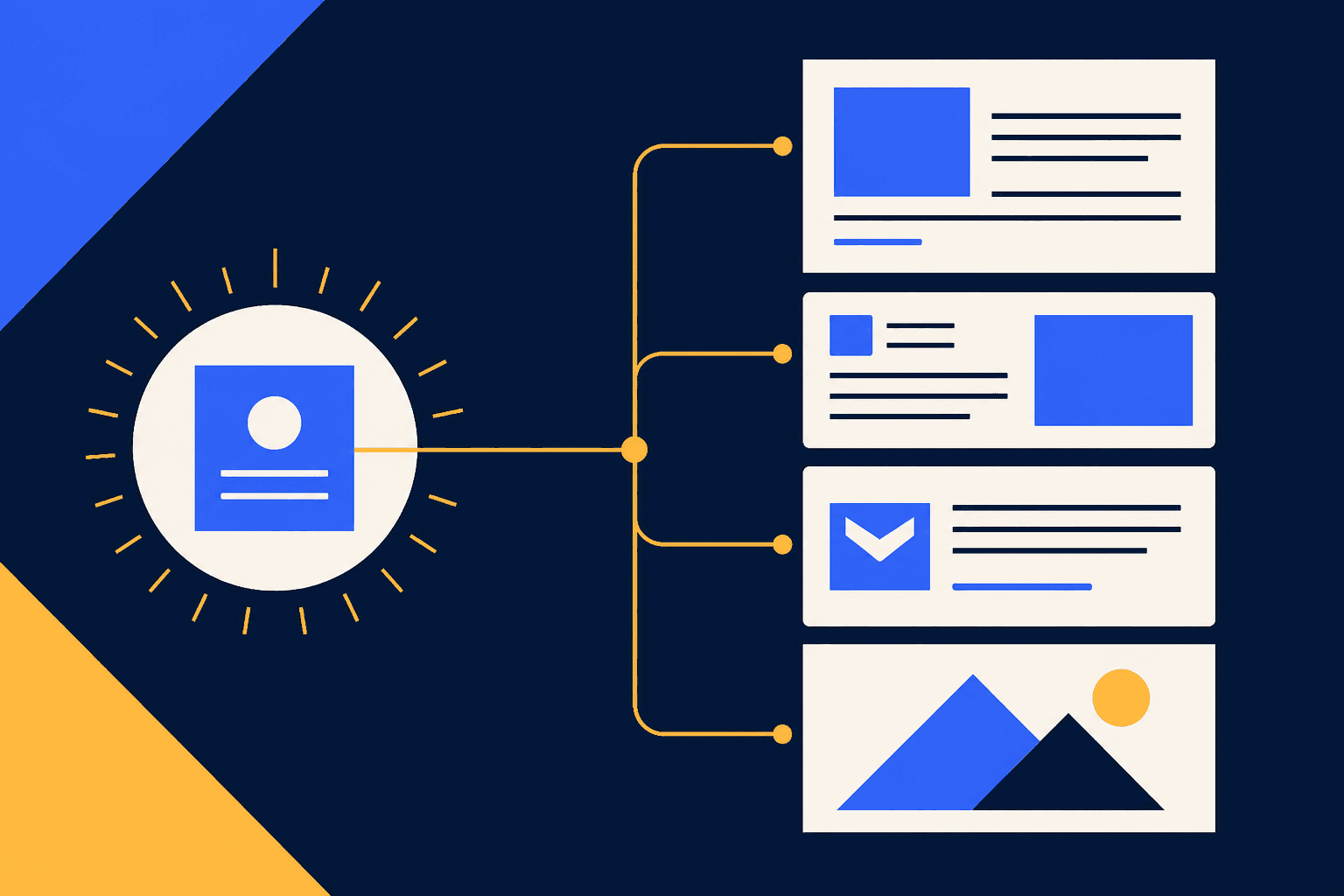
Prepare the copy, media and destination in one publishing packet. Start with the published Social Media Management skill.

Try in AgentLed

We’ll send a starter message after onboarding.

1 skill published · 2 in development · Catalog preview

  1. One clear idea

    Start with a topic, audience and source.

  2. Post + optional visual

    Bring your draft copy and any existing media.

  3. Review the packet

    Check the copy, media and destination together.

  4. Approve publication

    Connected tools and explicit approval are required.

Start with the published skill

Published skill

Social Media Management

Put the post, media and destination in one place. Review an Instagram or LinkedIn company-page packet before approving publication.

Inspect skill
Output example

A packet you can review.

Channel: LinkedIn company page Actor: Acme — fictional, not connected Copy: Plan the next useful step before filling the calendar. Media: none selected State: draft; destination and approval still required Published: no

Fictional example · Nothing published

Coming next: visuals and editorial

Output example

Start with the lesson.

A content calendar cannot fix a missing point. Before you choose a format, write the one thing your reader should understand differently. Then turn that idea into a post, a visual or a useful example. One clear idea. A few deliberate formats.

Coming soon

LinkedIn Editorial

Make the point before asking for attention.

How these skills stay safe
  • Skills supply the method. Your company context supplies the brand, audience and goals.
  • Drafts stay drafts. Publication requires explicit approval and connected tools; the catalog runs nothing.
  • This page does not scan folders or upload files. Choose which context to share with your AI tool; its data handling applies. Automatic context import is not available.

Use locally today

Inspect and copy each published skill independently. The one-command kit installer is not released yet.

  1. Open the published skill’s instructions.
  2. Copy its folder into a skill location supported by your AI tool.
  3. Add your company context and start with a draft.